I don’t want my Lab to die. Now I have over 15 services (including this site…) and they’re a pain to recreate. So I set up three systems for different levels of “Oh shit”.
Oops!
I can fix minor mistakes with a git revert <commit_ID>. Thanks to the Gitea setup, self-hosted version control makes most problems painless. Hopefully Gitea doesn’t get corrupted or go down.
Gitea went down…
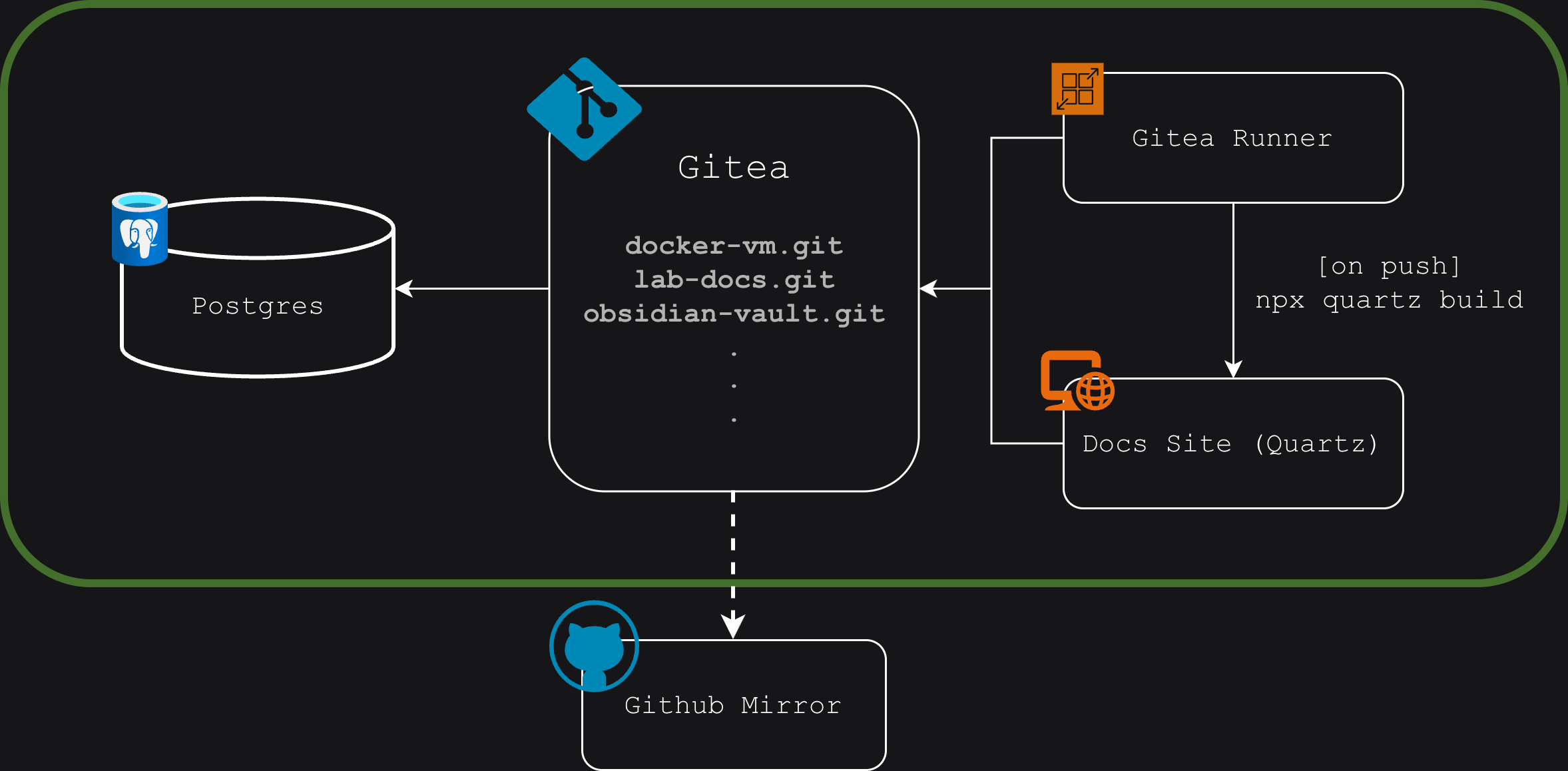 But chances are Github didn’t. I setup push mirrors every eight hours to keep a copy of my repository offsite. Under Settings ⇒ Repository ⇒ Mirror Settings you can set a remote repo with a token attached (for authorization):
http://your-username:[email protected]/your-username/repo-name
Even if I fat fingered a docker compose rm gitea -v (destroy Gitea and all its volumes…), then I’d still have a versioned backup of my core services’ configuration. And I also have some backups stored on my Proxmox host — even the VM itself can go down with no problems. But what if someone set my Lab on fire?
Someone set my lab on fire…
If that happened, I’d still have hope — I offsite my backups to a peer Lab. He sends his backups to mine too. At this point, we’re only mutually dependent on the power grid. We set it up like this:
- Run a PBS (Proxmox Backup Server) on a LXC (Linux Container)
- Mount a NAS (Network Attached Storage) to my Proxmox root, e.g.
/mnt/nas - Bind mount a subdirectory of that to the PBS, e.g.
/mnt/nas/backups(on host) ⇒/mnt/datastore(on LXC running PBS) - Setup static routing through my Wireguard VM. This lets my host reach the peer through a secure tunnel
- Configure backups in the Proxmox UI, selecting the peer PBS as the datasource That’s it. He sends his backups, and I send back mine (its only fair). And with that, I’ve purged the unicorns.